Your cart is currently empty!
Demo Before Live
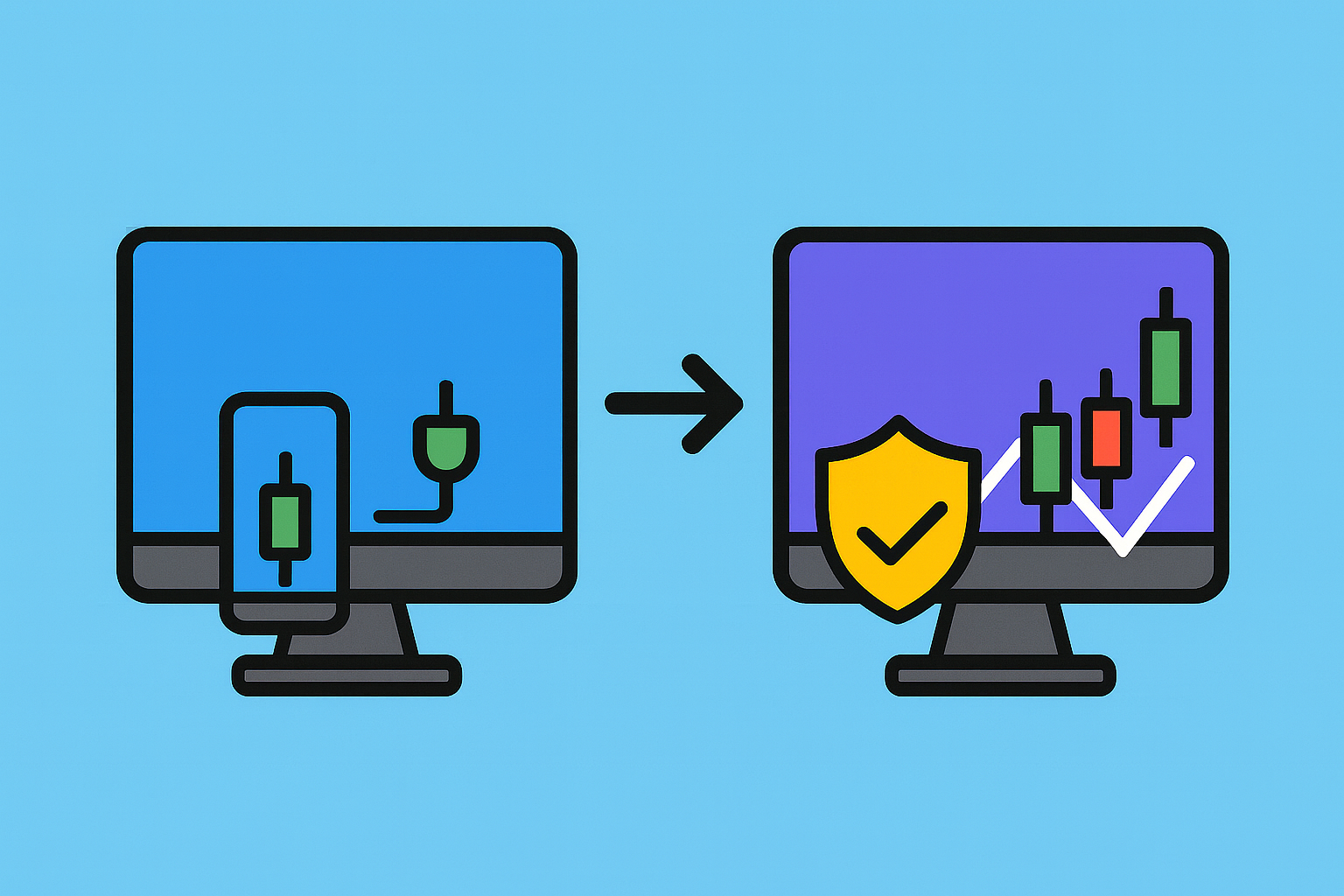
Starting with LibertyTrader is simple – but before you begin trading with real money, it is essential to test everything in a safe environment. That’s why we strongly recommend beginning with a demo account.
Why start with a demo account?
-
No financial risk: You can test signals without risking real money.
-
Learn the system: Get familiar with MetaTrader, the EA, and the Telegram channel.
-
Build confidence: Understand how signals are executed and how trades are managed.
-
Check broker setup: Ensure your account and platform are configured correctly.
How to use the demo phase
-
Open a demo account with your broker (e.g., Eurotrade SA).
-
Connect MetaTrader and install the LibertyTrader EA.
-
Join the official Telegram Signal Channel (via personal invitation).
-
Watch how the EA automatically executes signals.
-
Review the trades in your MetaTrader terminal – TP, SL, lot size, and results.
Transitioning to a live account
Once you feel comfortable with the system and understand how trades are executed:
-
Open a live trading account with your broker.
-
Use small risk per trade (we recommend 0.5%).
-
Keep your expectations realistic – trading is a long-term process.
Important note (Disclaimer)
-
Trading involves risk. Losses are possible, and past performance is not a guarantee of future results.
-
LibertyTrader provides professional trading signals, but you remain fully responsible for your trading decisions and account management.
-
Always use risk capital – money you can afford to lose.
👉 Full disclaimer available here: Disclaimer
Conclusion
-
Step 1: Test on a demo account to learn the system without risk.
-
Step 2: Gain confidence with signals and EA automation.
-
Step 3: Switch to live trading carefully, using strict risk management.
This way, you begin your trading journey with LibertyTrader safely, confidently, and responsibly.
In